Campo Visual
Optical store
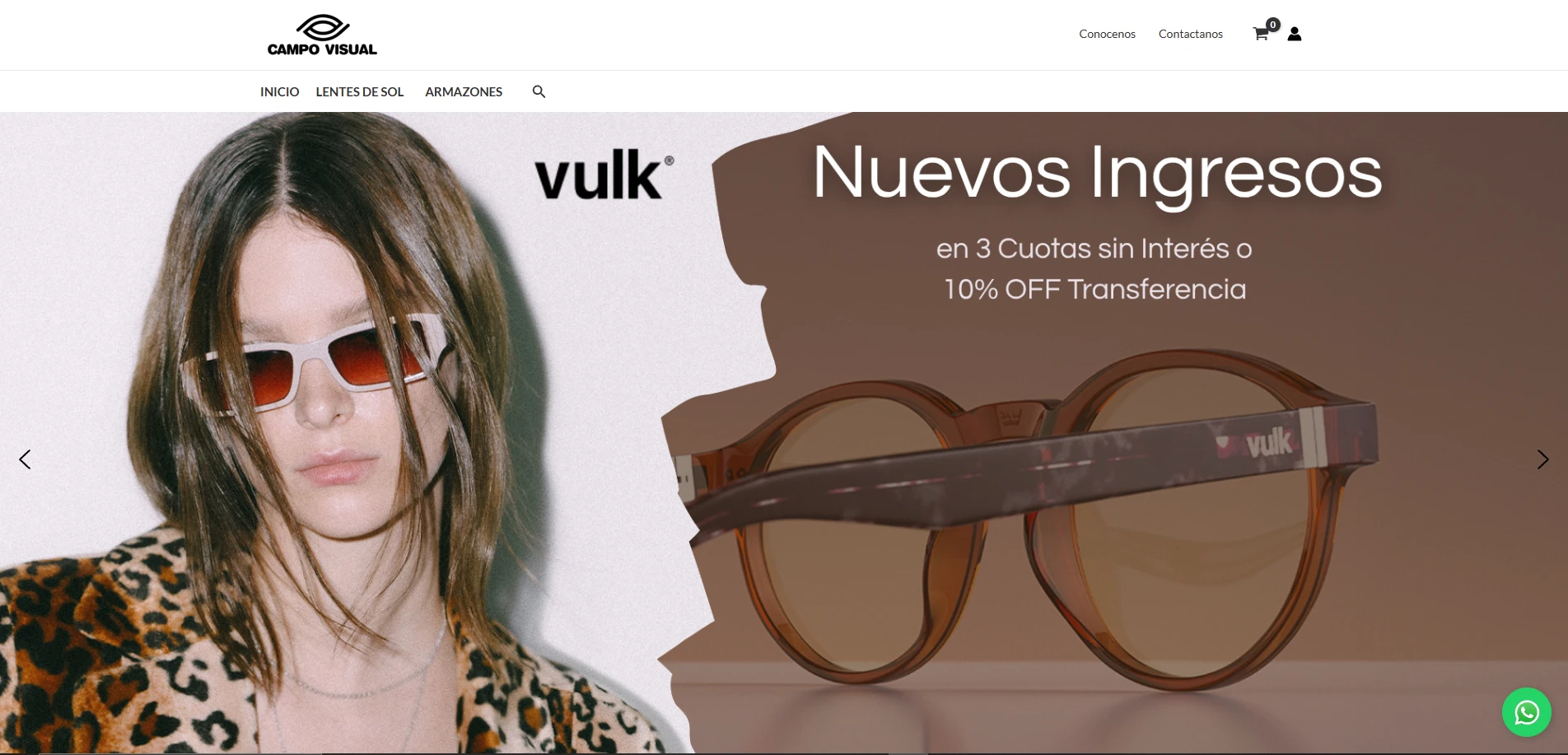
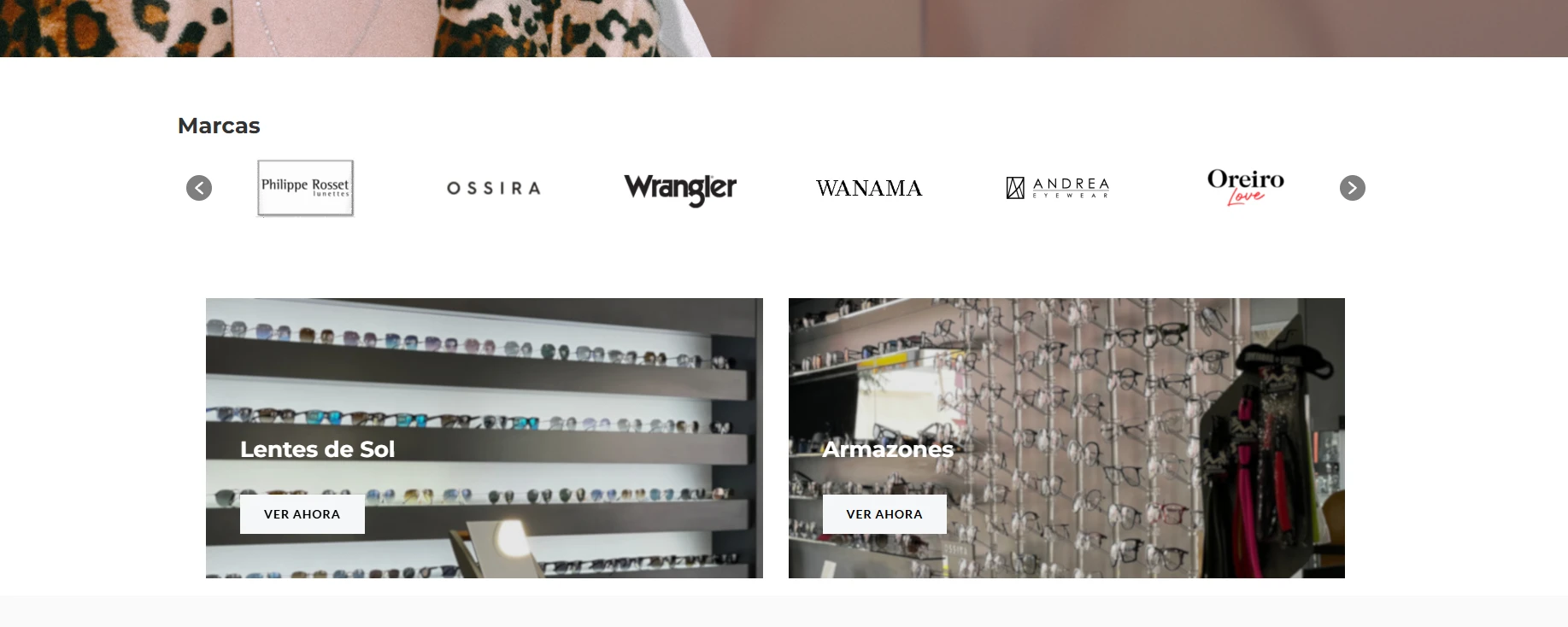
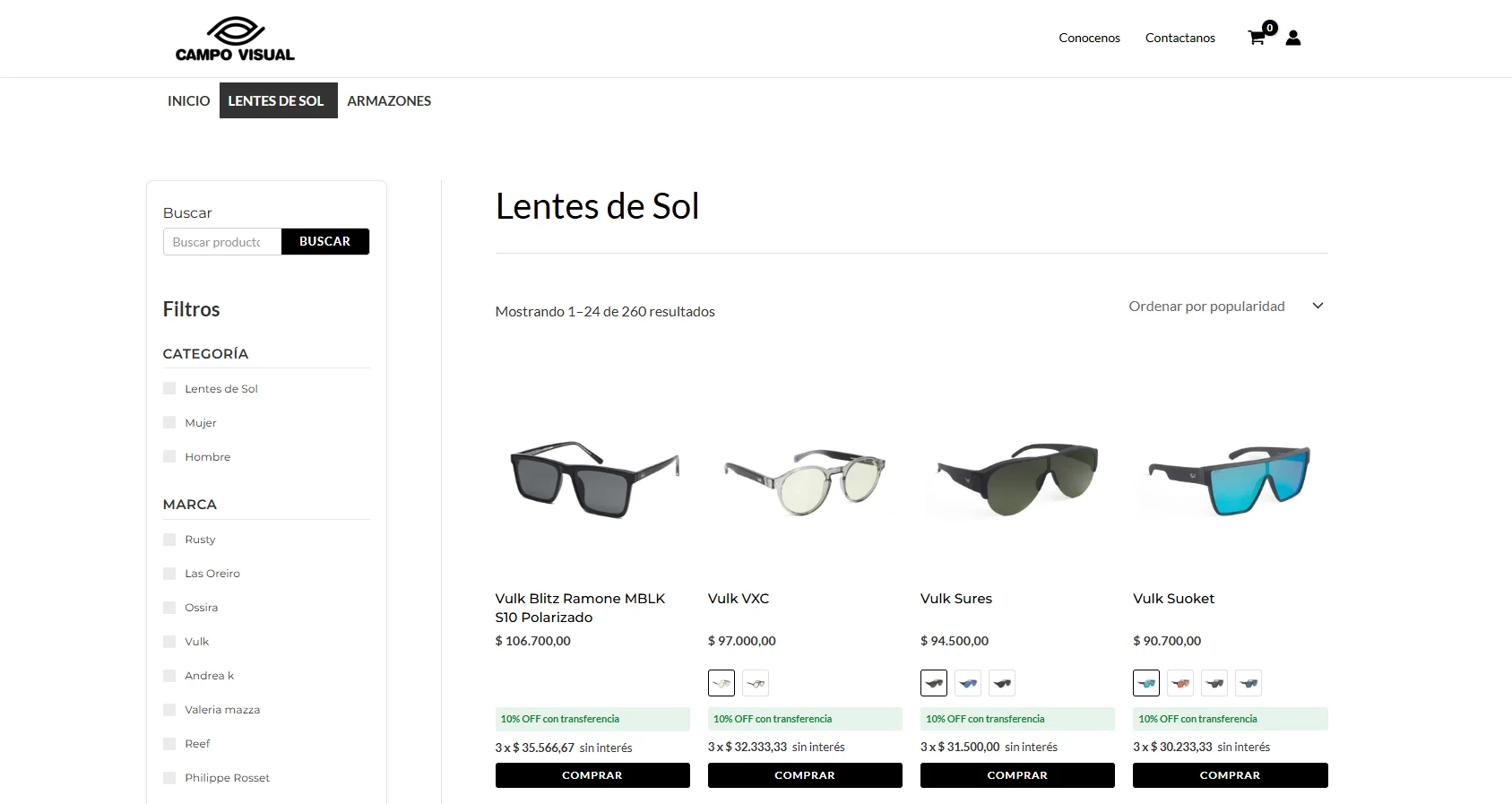
Online store for an optician in Alta Gracia, built on WooCommerce. I worked on the catalog, the color variations and the stock synchronization.
The work is split between a custom plugin (CV Carruseles), PHP snippets loaded into the site, and Python scripts that connect to the WooCommerce REST API and to the optician's management system.
Tools developed
Built for Campo Visual, ordered from most to least complex.
Catalog restructuring into variable products
- Python
- WooCommerce REST API
- PHP
What it does
The catalog had one product for each color of each model. The scripts read the catalog in read-only mode, rebuild the relationship between management system code, SKU and WooCommerce id, and group the products by brand and model into review spreadsheets. Then they create one variable product per model with one variation per color, each with its original SKU, the management system code stored on the variation, its gallery and its description, and color swatches taken from each variation's image.
The old products are not deleted: they are set to draft with the SKU ending in -OLD. A PHP snippet redirects each old URL with a 301 to the new product with the color already selected.
What makes it complex
The risk was changing a live catalog without breaking the stock synchronization, which depends on the SKU and the management system code. That is why each variation keeps the original SKU and stores the code in a field of its own, and the old products are retained instead of deleted.
The process is designed so it can be corrected: the migration is a dry run by default and writes only with an explicit option, production requires a separate confirmation, each run leaves a log per group and a rollback script uses it to restore the SKU, status and visibility of the old products. If a product within a group fails, that old product is restored and its color is removed from the new product; if all of them fail, the new product is deleted. Groups that were already migrated are skipped when the run is repeated. Another script verifies the result against the catalog.
Stock and price sync with the management system
- Python
- WooCommerce REST API
What it does
Three steps: generate a SKU index from the catalog, build the table that links each management system code to its WooCommerce id (with the parent product id and the type), and update stock, price or both from the exported file. Simple products are sent to the API in batches of 100, and variations in batches per parent product. Each run leaves a report with the result of every row.
What makes it complex
Variations are updated through a different route than simple products, grouped by parent, and WooCommerce ids change with every migration, so the index and the link table are regenerated. The index ignores the retained products whose SKU ends in -OLD and, if the API fails, the script exits with an error instead of saving an incomplete index.
A batch can return success even if an item fails, so the report flags row by row whether it was updated, failed or had no linked code. It has a dry run that builds the queue without sending anything and an option to abort if the target is not the expected site. When updating prices, it clears the sale price.
CV Carruseles plugin
- PHP
- JavaScript
- CSS
- WooCommerce
What it does
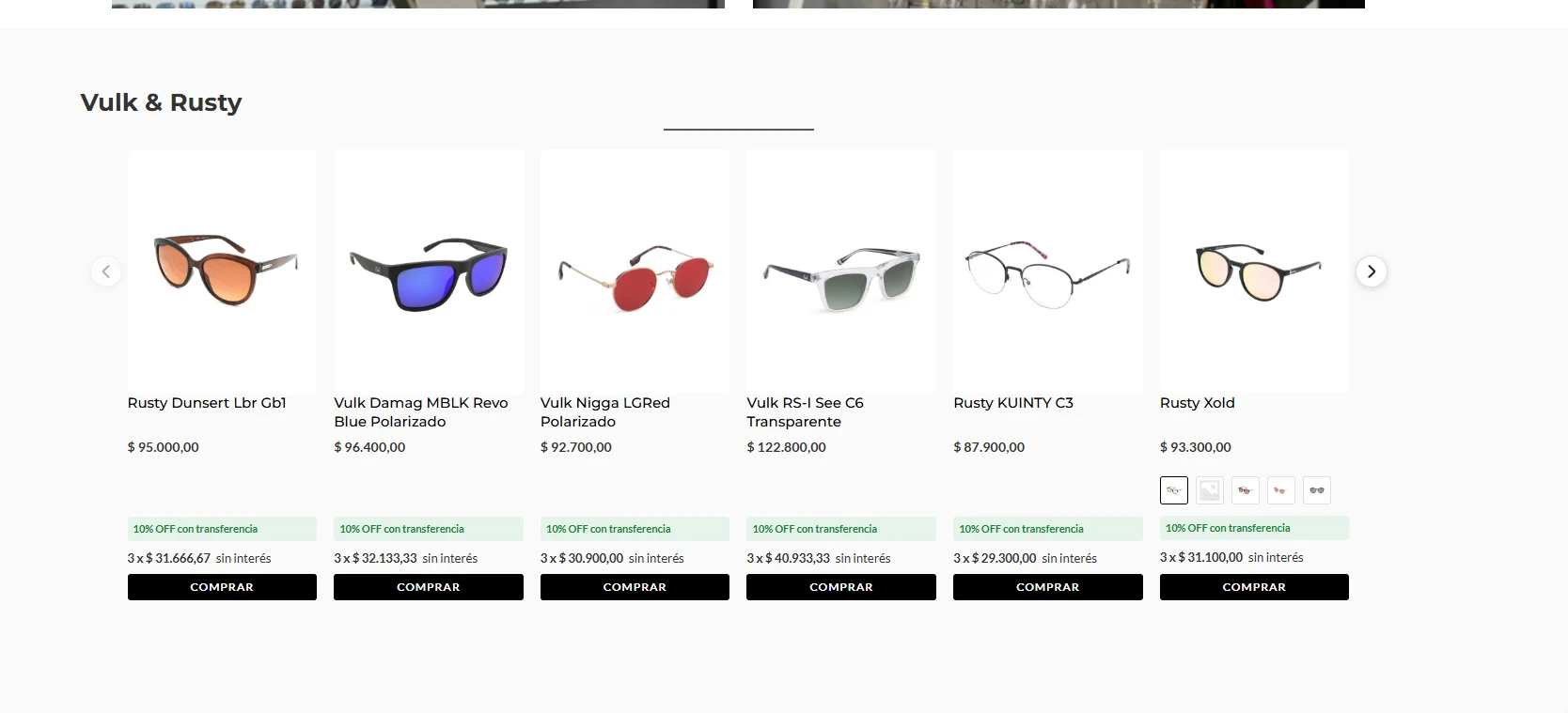
A custom WordPress plugin, with a content type for the carousels. In the admin panel you choose the mode (hand-picked products with search, category, brand, best sellers, on sale, new arrivals or featured), the order, the number of visible cards and whether sold-out items are hidden. Each carousel is inserted with a shortcode and shows the same cards as the catalog, with color swatches, price, installments and a buy button.
What makes it complex
To reuse the catalog cards, the plugin goes through the WooCommerce shortcode engine, which does not filter by brand or hide sold-out items. A query filter scoped to each carousel was added, identified with a marker class, and removed once the carousel finishes rendering so it does not affect other queries.
Assets are loaded only on pages that use the shortcode, even when it is inside page builder content, with a late load as a fallback when it is in a widget or a template. The number of cards per screen size is passed as CSS variables rather than fixed HTML, so it works with caches. The arrows are hidden when there is nothing to scroll.
Catalog import from spreadsheets and Google Drive
- Python
- WooCommerce REST API
- Google Drive API
What it does
One script per brand reads the spreadsheet and, for each row, creates the brand and the categories if they do not exist, looks up the model's folder in Drive, takes the photos of the matching color, uploads them to the WordPress media library and creates the product with price, stock, dimensions and descriptions. Another script downloads Drive folders and converts the images to WebP at quality 85.
What makes it complex
Three sources with no common key have to be cross-referenced: the spreadsheet, Drive folders named by model (an exact name is searched and, if it does not appear, an approximate one) and the catalog. The script can be repeated without creating duplicates: if the SKU already exists, it skips the row. API requests are retried with increasing wait times on network or server errors, and a product without images is created as a draft instead of being published incomplete.
Back-in-stock alerts
- PHP
- JavaScript
- WooCommerce
What it does
When a simple product, or the chosen color of a variable one, is sold out, the product page shows a form with email and acceptance of the privacy policy. The emails are stored on the product or variation itself. When WooCommerce changes its stock status to available, an email with a photo and a link is sent to each person on the list. In the catalog, the button of a sold-out product reads «Avisame cuando vuelva» ("Notify me when it's back"). The admin panel has a box on each product and a page with the full list and CSV export.
What makes it complex
A variable product requires showing the form only once a sold-out color is chosen, and linking the request to that variation and not to the parent product. The alert hooks into stock status changes of both products and variations, empties the list before sending so that a retry never sends the same email twice, and is sent immediately instead of relying on the scheduled task queue.
The form has protection against bots and abusive submissions, and rejects requests for products that already have stock.
Color and price per variation
- PHP
- JavaScript
- WooCommerce
What it does
Four PHP snippets. The first preselects a color: it respects the default set in the admin panel if it has stock, otherwise it takes the first variation with stock, and if all are sold out it takes the first one. The second shows a single price in the catalog, that of that color, and recalculates the installments line on it. The third makes the main price on the product page follow the chosen color and hides the duplicate price under the swatches. The fourth makes the admin panel's bulk price edit also change the variations.
What makes it complex
The rule for which color to show is shared between the catalog and the product page, so the photo, price and installments on the card match the same variation. WooCommerce's bulk edit only changes the prices of simple products, because the prices of a variable product live in its variations. The snippet replicates its operations (set, increase or decrease by amount or percentage, and sale price) variation by variation.